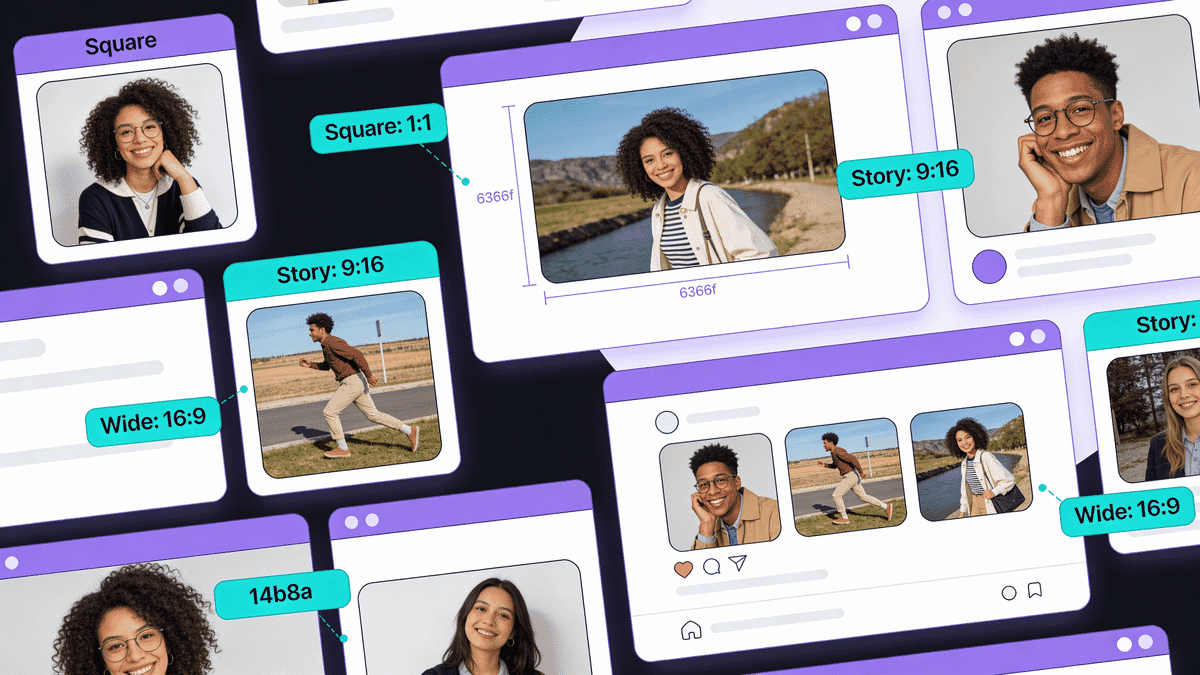
Social Media Image Optimization: Platform-by-Platform Guide
Optimize images for each social platform: the dimensions, formats and safe zones for Instagram, Facebook, X, LinkedIn, Pinterest and TikTok.
Disclosure: ImageGuide is published by Sirv, an image CDN company. This guide mentions Sirv products. Read how we write these guides.
Each social platform has specific image requirements and compression algorithms. This guide provides the exact specifications and optimization strategies for maximum engagement across all major platforms.
Quick Reference
Optimal Dimensions
| Platform | Post | Story | Profile |
|---|---|---|---|
| 1080×1080 | 1080×1920 | 320×320 | |
| 1200×630 | 1080×1920 | 180×180 | |
| Twitter/X | 1200×675 | N/A | 400×400 |
| 1200×627 | 1080×1920 | 400×400 | |
| 1000×1500 | 1080×1920 | 165×165 | |
| TikTok | 1080×1920 | 1080×1920 | 200×200 |
Format Recommendations
| Platform | Preferred | Also Accepted |
|---|---|---|
| JPEG | PNG (for text/graphics) | |
| JPEG | PNG | |
| Twitter/X | PNG | JPEG |
| PNG | JPEG | |
| PNG | JPEG | |
| TikTok | JPEG | PNG |
Feed Posts
| Type | Dimensions | Aspect Ratio |
|---|---|---|
| Square | 1080×1080 | 1:1 |
| Portrait | 1080×1350 | 4:5 |
| Landscape | 1080×566 | 1.91:1 |
Best practices:
- Portrait (4:5) takes up more screen space in feed
- Export at 1080px width minimum
- Use JPEG at 80-85% quality
- Avoid text smaller than 16px
Stories & Reels
- Dimensions: 1080×1920 (9:16)
- Safe zone: Keep important content within center 1080×1420
- Format: JPEG for photos, PNG for graphics
Profile Picture
- Dimensions: 320×320 minimum
- Display size: 110×110 on mobile
- Format: JPEG or PNG
Carousel Posts
Slide 1: 1080×1080 or 1080×1350
Slides 2+: Same dimensions as Slide 1
Max slides: 10
All slides must maintain the same aspect ratio.
Feed Posts
| Type | Dimensions | Notes |
|---|---|---|
| Shared link | 1200×630 | OG image size |
| Photo post | 1200×630 | Landscape preferred |
| Square post | 1200×1200 | Good engagement |
Stories
- Dimensions: 1080×1920 (9:16)
- Max file size: 4GB for video
- Format: JPEG or PNG
Cover Photo
- Desktop: 820×312
- Mobile crop: 640×360
- Design for mobile first—center important content
Open Graph Images
<meta property="og:image" content="https://example.com/og-image.jpg">
<meta property="og:image:width" content="1200">
<meta property="og:image:height" content="630">
Serve from Sirv for automatic optimization:
<meta property="og:image" content="https://your-site.sirv.com/og/article.jpg?w=1200&h=630&crop=face">Twitter/X
Timeline Images
| Type | Dimensions | Aspect Ratio |
|---|---|---|
| Single image | 1200×675 | 16:9 |
| Two images | 700×800 each | 7:8 |
| Three images | 700×800 + 2× 350×400 | Mixed |
| Four images | 350×400 each | 7:8 |
Best Practices
- Use PNG for text-heavy images - Twitter compresses JPEG aggressively
- Export at 2x if possible (2400×1350)
- Avoid compression artifacts - Upload high-quality source
Profile & Header
- Profile: 400×400 (displays as circle)
- Header: 1500×500
Card Images
<meta name="twitter:card" content="summary_large_image">
<meta name="twitter:image" content="https://example.com/twitter-card.png">
Dimensions: 1200×628 (2:1 ratio)
Feed Posts
| Type | Dimensions |
|---|---|
| Image post | 1200×627 |
| Link share | 1200×627 |
| Square | 1200×1200 |
Company Page
- Logo: 300×300
- Cover: 1128×191 (desktop), crops on mobile
Article Images
- Hero: 1200×644
- Inline: 1200px width max
Best Practices
- Professional, high-quality images
- PNG for infographics and text
- JPEG for photographs
- Avoid stock photo clichés
Pin Dimensions
| Type | Dimensions | Aspect Ratio |
|---|---|---|
| Standard | 1000×1500 | 2:3 |
| Long pin | 1000×2100 | 1:2.1 |
| Square | 1000×1000 | 1:1 |
Why Tall Images Win
Pinterest’s grid favors tall images:
- More visual space
- Higher engagement
- Better for infographics
Optimization Tips
- Use PNG for text and graphics
- Rich, saturated colors perform better
- Text overlay should be readable at thumbnail size
- Include a call-to-action
Rich Pins
Add structured data for enhanced display:
<meta property="og:title" content="Easy Chocolate Cake Recipe">
<meta property="og:image" content="https://example.com/chocolate-cake.jpg">
<meta property="og:description" content="The best chocolate cake recipe...">
TikTok
Video Thumbnails
- Dimensions: 1080×1920 (9:16)
- Safe zone: Center 1080×1420
- Format: JPEG or PNG
Profile Picture
- Dimensions: 200×200 minimum
- Format: JPEG or PNG
- Displays as circle
OG Image Automation
Generate OG Images Programmatically
Use Sirv for dynamic social images:
<!-- Dynamic OG image with text overlay -->
<meta property="og:image" content="https://your-site.sirv.com/og-template.jpg?text.0.text=Your+Article+Title&text.0.size=48&text.0.color=ffffff">
Batch Generation
For large sites, generate social images at build time:
const sharp = require('sharp');

async function generateSocialImage(title, outputPath) {
  await sharp('template.png')
    .composite([{
      input: Buffer.from(`<svg>...</svg>`), // Text overlay
      gravity: 'center'
    }])
    .resize(1200, 630)
    .jpeg({ quality: 85 })
    .toFile(outputPath);
}
Compression Guidelines
Platform Compression Behavior
| Platform | Compression | Recommendation |
|---|---|---|
| Heavy | Upload 1.5-2x dimensions | |
| Moderate | JPEG 85% is fine | |
| Twitter/X | Heavy on JPEG | Use PNG for quality |
| Light | JPEG 80% is fine | |
| Light | PNG for graphics |
Pre-Upload Optimization
# Instagram-ready JPEG
magick photo.jpg -resize 1080x1350 -quality 90 instagram-ready.jpg

# Twitter-ready PNG (avoids compression artifacts)
magick graphic.png -resize 2400x1350 twitter-ready.png
Checklist by Platform
- 1080px minimum width
- 4:5 ratio for maximum feed presence
- Text at least 16px
- High contrast for mobile viewing
- Preview in dark mode
- 1200×630 for link shares
- OG tags configured
- Preview with Facebook Debugger
- Mobile-friendly composition
Twitter/X
- PNG for text-heavy images
- 2x dimensions to combat compression
- Twitter Card validator tested
- Alt text added
- Professional imagery
- 1200×627 for posts
- Company branding consistent
- Preview on mobile
- 2:3 or taller ratio
- Text readable at thumbnail size
- Rich, saturated colors
- Clear call-to-action
Tools
Official Debuggers
- Facebook Sharing Debugger
- Twitter Card Validator
- LinkedIn Post Inspector
- Pinterest Rich Pins Validator
Image Resizing
Using Sirv:
<!-- Instagram square -->
<img src="https://your-site.sirv.com/photo.jpg?w=1080&h=1080&crop=face">

<!-- Facebook OG -->
<img src="https://your-site.sirv.com/photo.jpg?w=1200&h=630&crop=entropy">

<!-- Pinterest tall -->
<img src="https://your-site.sirv.com/photo.jpg?w=1000&h=1500&crop=attention">
Conclusion
Social media image optimization requires:
- Platform-specific dimensions - Each platform has ideal sizes
- Format selection - PNG for graphics, JPEG for photos
- Compression awareness - Some platforms compress heavily
- Mobile-first design - Most users are on mobile
- Testing - Use official debuggers before posting
Use CDNs like Sirv to dynamically resize and optimize images for each platform from a single source.