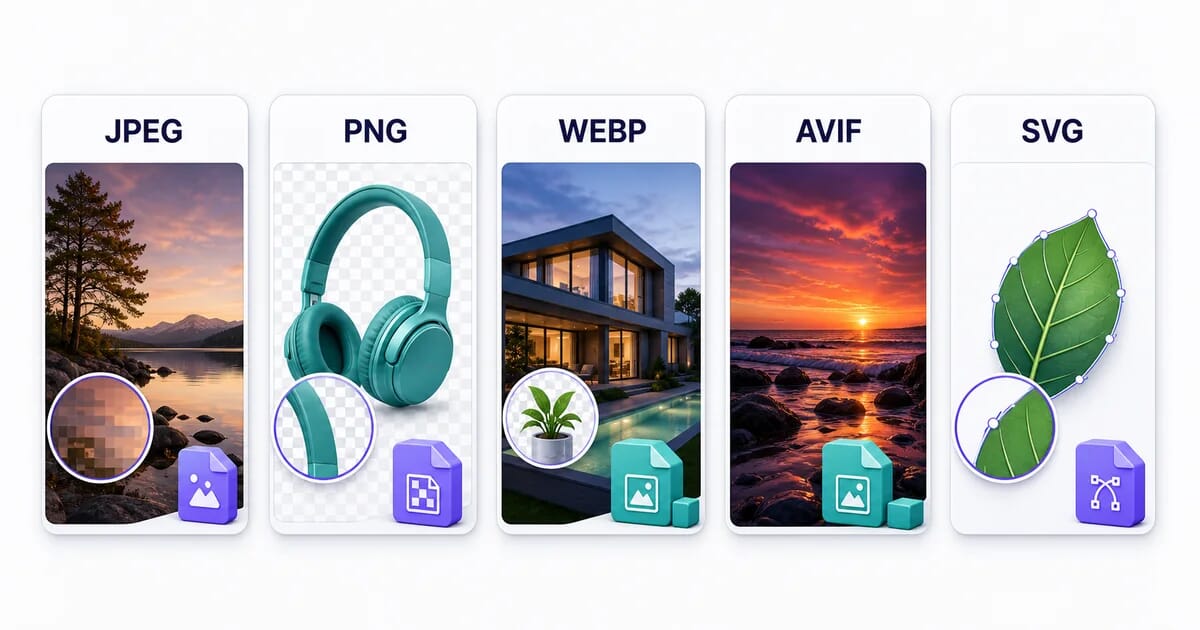
Image format guide
Compare formats for the image you need to publish.
A photo, a screenshot and a logo need different compression settings. Start with the table below, then check the format guide for transparency, animation and browser support. Compare an export of your own image before replacing the original.
Choose a format
| You are optimizing… | Use | Why |
|---|---|---|
| Photos for the web | AVIF → WebP → JPEG | Compare file size and visible detail at your chosen settings |
| Screenshots, UI, text-heavy graphics | PNG or WebP lossless | Pixel-perfect text, no blocking artifacts |
| Logos, icons, illustrations | SVG | Scales to any size, tiny for simple shapes |
| Short animations | WebP or AVIF animated | Full-color animation. Check support in your target browsers. |
| iPhone camera uploads | Convert HEIC first | Great compression, poor non-Apple support |
| Legacy email clients | JPEG or GIF | Check the email guide for client-specific format support |
Need to convert existing files? See the supported conversions for supported input and output pairs.
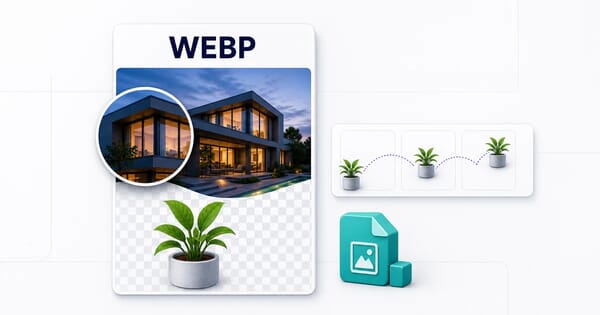
WebP
.webp
96% support
Modern format with excellent compression and quality balance
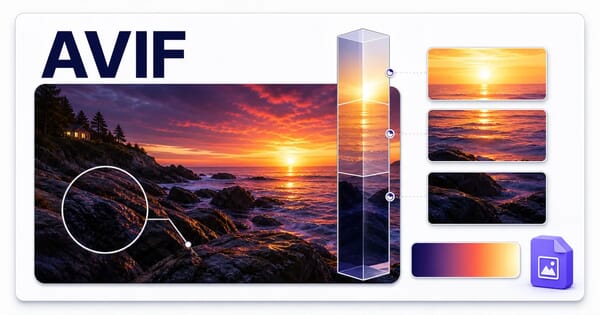
AVIF
.avif
92% support
Next-generation format with superior compression
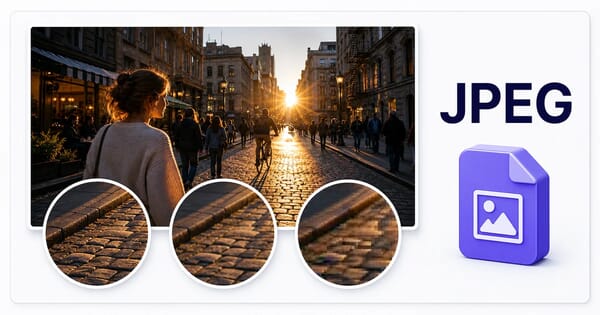
JPEG
.jpg
100% support
Universal format for photographs
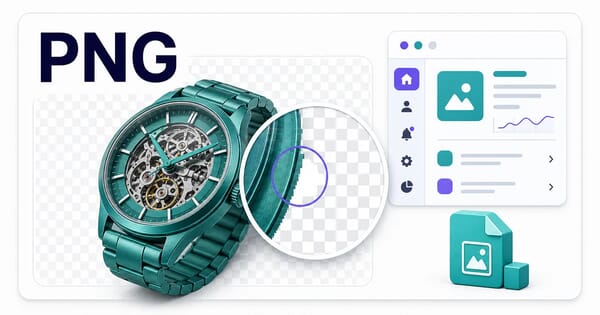
PNG
.png
100% support
Lossless format with transparency support
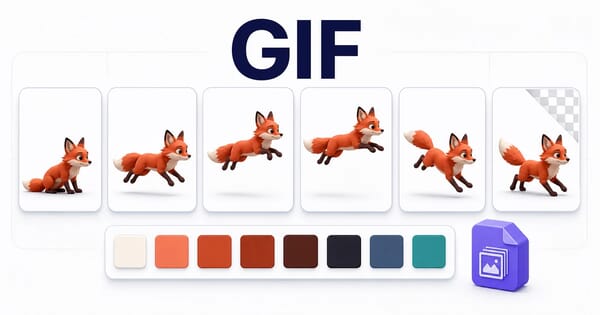
GIF
.gif
100% support
Animation format with limited colors
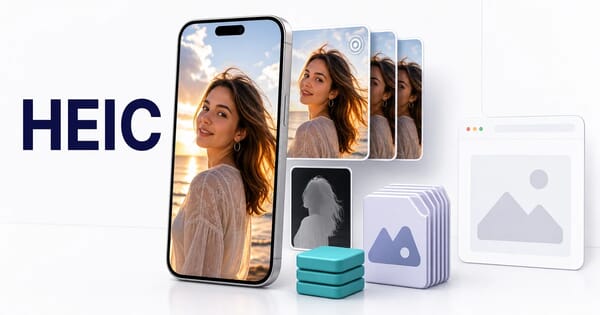
HEIC
.heic
Safari only support
Apple's default iPhone photo format with excellent compression
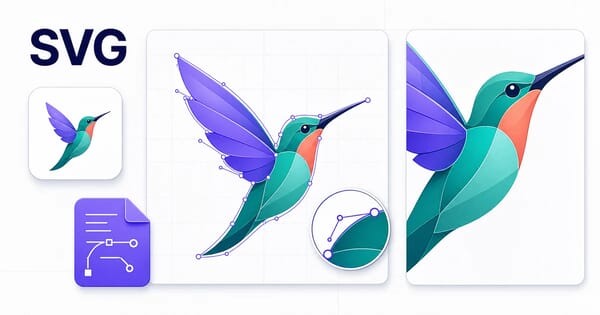
SVG
.svg
98% support
Scalable vector graphics for resolution-independent images