Social Media Image Guides
Prepare images for each network's sizes, crops, and compression.
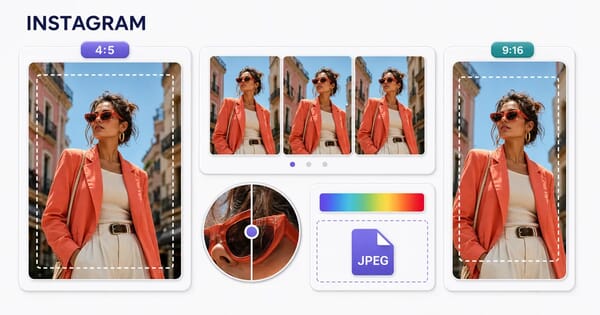
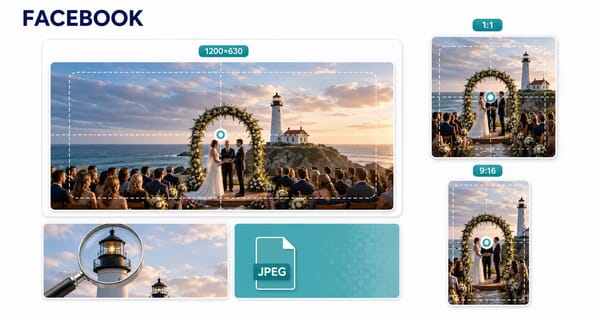
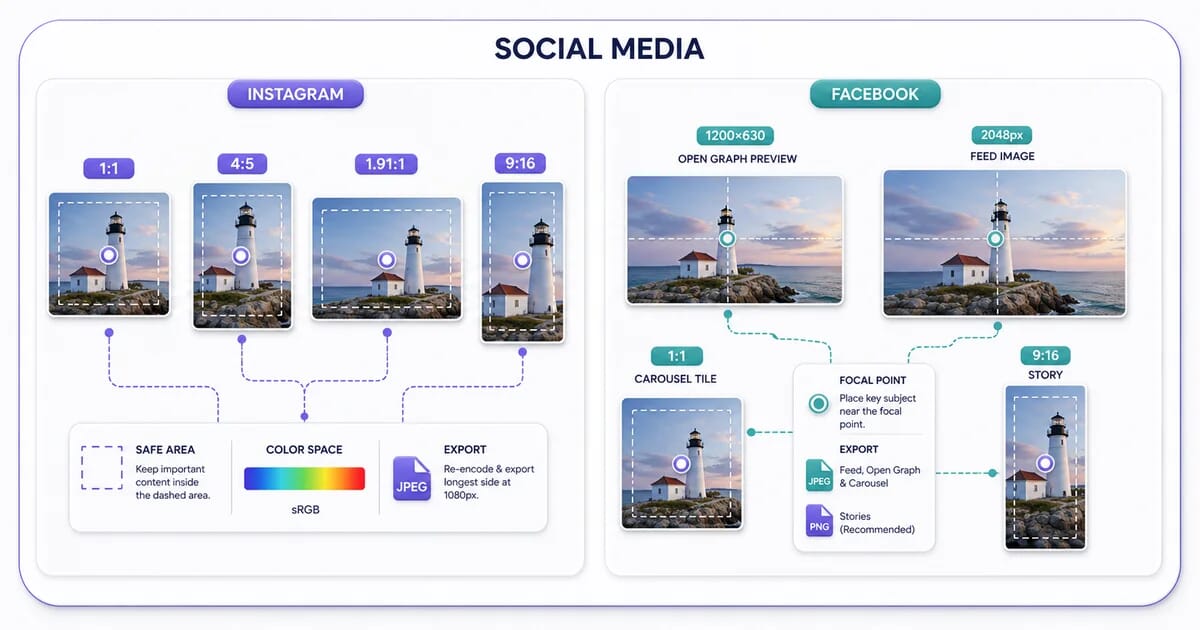
Choose a network and placement before exporting. Feed posts, Stories, ads, profiles, and link previews can use different crops and upload rules. These guides give practical starting points and official references; inspect the published result because platforms control their own processing and previews.
Quick Reference: Design and Upload Guidance
| Platform | Recommended format | Max file size | Key behaviors |
|---|---|---|---|
| JPEG for photos; compare PNG for text-heavy graphics | Check the current upload interface for the placement | Separate feed, Story, and cover compositions | |
| JPEG for photos; PNG for graphics | Depends on placement; check the current publishing tool | Open Graph link previews |
Rules That Apply to Every Network
Upload bigger than display, not 4× bigger
Export at roughly 1.5–2× the display size. Oversized files get downscaled anyway, and the platform's scaler is worse than yours — plus you hand it a heavier file to re-compress.
Export to sRGB
Both networks assume sRGB. A Display P3 or untagged export shifts colors after re-encoding — saturated reds and greens drift the most.
Keep text off the outer edges
Aspect-ratio mismatches trigger center cropping in feeds and stories. Keep logos and captions inside the middle 80% of the canvas so nothing important gets cut.
Compress before upload, once
A quality 80–85 JPEG or a well-tuned WebP upload survives platform re-encoding far better than a maximum-quality export, because the platform's encoder has less redundant data to chew through.