Same quality, fewer bytes: JPEG vs WebP vs AVIF vs JPEG XL
We encoded 86 images at 14 quality settings with four formats, scored every file with SSIMULACRA2, and compared the bytes each format needs to look the same.
- Images
- 86
- Files measured
- 9,632
- Metric
- SSIMULACRA2
- Measured
- 2026-10-22
Four files that look the same
Each format's quality setting was searched until the whole image scored as close to SSIMULACRA2 70 as it could. The crops below are the decoded pixels at 1:1. The difference is in the file size.
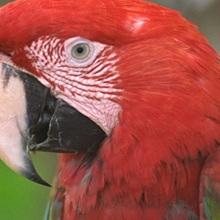
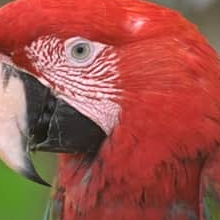
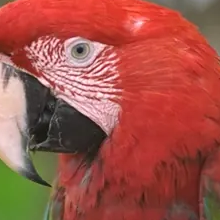
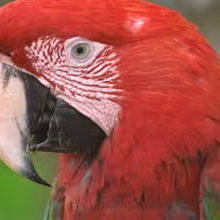
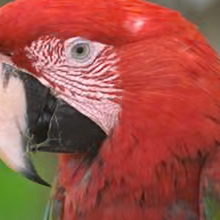
Kodak image 23, 220 × 220 crop. Sizes are for the whole 768 × 512 file. The crops are lossless WebP, served without re-encoding.
How much smaller, across the corpus
Median per-image file size against mozjpeg at the same score. Pick the content and the quality you ship.
Bar length is the median file size, with JPEG as 100%. A format shows n/a when fewer than half the images reached the score at the highest setting tested.
What the numbers say
- AVIF needed the fewest bytes on photos at high quality: 31% smaller than mozjpeg at score 70. JPEG XL came out 23% smaller.
- WebP saved little on photos (7% smaller), but it was 37% smaller on screenshots, where AVIF was 50% smaller.
- Visually lossless (score 90) is hard for 4:2:0 formats: mozjpeg reached it on 26 of 74 photos and WebP on 9 of 74, against 71 of 74 for AVIF and 68 of 74 for JPEG XL.
- The gap depends on the photos. On the sharp digital Unsplash sample AVIF was 40% smaller; on the Kodak film scans it was 21% smaller. Test a sample of your own images before you switch.
Same file size, different quality
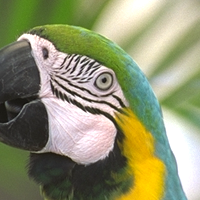
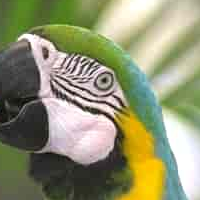
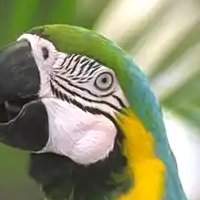
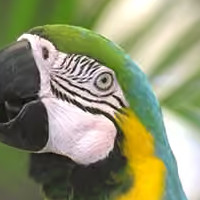
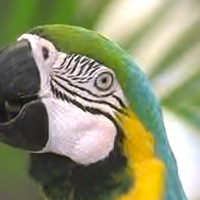
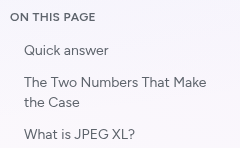
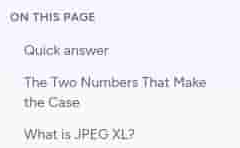
Now the other way round: every format gets the same byte budget, and you see what it buys. Flip between the formats; the crops are zoomed 2× with no smoothing, so every artifact stays visible.
Photo
14.4 KB budget · 0.30 bits per pixel
Screenshot text
31.3 KB budget · 0.25 bits per pixel
Every photo, not just the median
Each dot is one photo's file size against mozjpeg at score 70; the bar is the median. A dot right of the line needed more bytes than JPEG.
Quality against size
Median bits per pixel each format needs for each score. Further left is smaller; the size axis is logarithmic.
Every median
Median bits per pixel to reach each score, then the median per-image size change against mozjpeg (negative is smaller). A count shows when some images never reached the score.
All photos 74 images
| Encoder | 50 medium | 60 medium to high | 70 high | 80 very high | 90 visually lossless |
|---|---|---|---|---|---|
| JPEG sharp mozjpeg, 4:2:0 | 0.39 73/74 | 0.51 | 0.72 72/74 | 1.17 69/74 | n/a 26/74 |
| WebP cwebp -m 6 | 0.34 -9% 72/74 | 0.47 -6% 73/74 | 0.70 -7% 73/74 | 1.15 -5% 73/74 | n/a 9/74 |
| AVIF avifenc (libaom) -s 6 | 0.25 -34% 70/74 | 0.33 -34% 73/74 | 0.47 -31% 73/74 | 0.88 -25% | 2.74 71/74 |
| JPEG XL cjxl -e 7 | 0.34 -23% 64/74 | 0.41 -23% 71/74 | 0.57 -23% 72/74 | 0.88 -25% 70/74 | 2.22 68/74 |
Modern photos (Unsplash) 50 images
| Encoder | 50 medium | 60 medium to high | 70 high | 80 very high | 90 visually lossless |
|---|---|---|---|---|---|
| JPEG sharp mozjpeg, 4:2:0 | 0.27 49/50 | 0.34 | 0.49 48/50 | 0.80 45/50 | n/a 11/50 |
| WebP cwebp -m 6 | 0.25 -18% 48/50 | 0.33 -16% 49/50 | 0.52 -9% 49/50 | 0.89 -2% 49/50 | n/a 3/50 |
| AVIF avifenc (libaom) -s 6 | 0.18 -39% 46/50 | 0.24 -42% 49/50 | 0.35 -40% 49/50 | 0.63 -32% | 2.32 47/50 |
| JPEG XL cjxl -e 7 | 0.27 -27% 40/50 | 0.28 -30% 47/50 | 0.33 -33% 48/50 | 0.53 -35% 46/50 | 1.92 44/50 |
Kodak suite 24 images
| Encoder | 50 medium | 60 medium to high | 70 high | 80 very high | 90 visually lossless |
|---|---|---|---|---|---|
| JPEG sharp mozjpeg, 4:2:0 | 0.50 | 0.65 | 0.93 | 1.55 | 3.79 15/24 |
| WebP cwebp -m 6 | 0.51 -1% | 0.66 -2% | 0.96 -3% | 1.54 -7% | n/a 6/24 |
| AVIF avifenc (libaom) -s 6 | 0.38 -30% | 0.52 -26% | 0.74 -21% | 1.26 -21% | 2.91 -24% |
| JPEG XL cjxl -e 7 | 0.40 -15% | 0.54 -13% | 0.77 -13% | 1.24 -18% | 2.68 -29% |
Screenshots 12 images
| Encoder | 50 medium | 60 medium to high | 70 high | 80 very high | 90 visually lossless |
|---|---|---|---|---|---|
| JPEG sharp mozjpeg, 4:2:0 | 0.20 | 0.26 | 0.36 | 0.63 | n/a 0/12 |
| WebP cwebp -m 6 | 0.17 -29% 6/12 | 0.16 -33% | 0.23 -37% | 0.36 -42% 11/12 | n/a 0/12 |
| AVIF avifenc (libaom) -s 6 | 0.11 -49% 9/12 | 0.12 -51% | 0.17 -50% | 0.29 -58% | 1.06 6/12 |
| JPEG XL cjxl -e 7 | 0.18 -8% | 0.20 -21% | 0.25 -30% | 0.37 -41% | 1.01 |
Press defaults against the reference encoders
Press converts whole folders on your computer with its default settings. This is the size it needs for the same score as the reference encoder of the same format, on photos at score 70.
| Format | Reference | Press 0.9.1 | Press vs reference |
|---|---|---|---|
| JPEG | 0.72 bpp | 0.72 bpp | 0% |
| WebP | 0.70 bpp | 0.75 bpp | +8% |
| AVIF | 0.47 bpp | 0.47 bpp | -1% |
| JPEG XL | 0.57 bpp | 0.56 bpp | -1% |
The 86 images
Every result above comes from these files. The corpus manifest lists the URL, dimensions and SHA-256 hash of each one, and the script checks every hash before it measures anything.
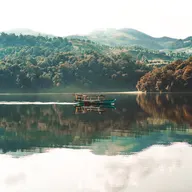
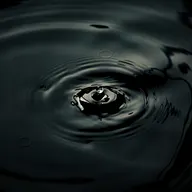
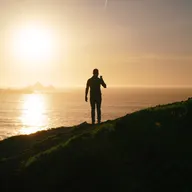
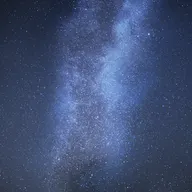
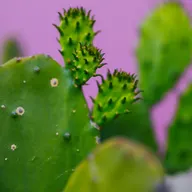
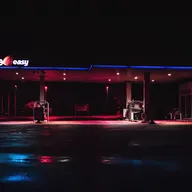
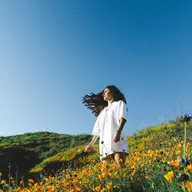
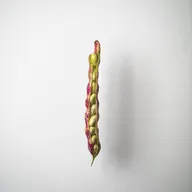
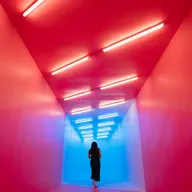
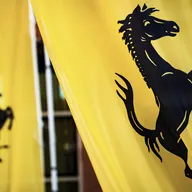
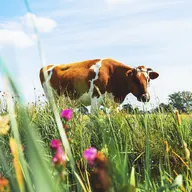
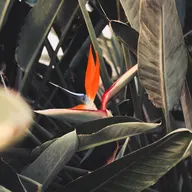
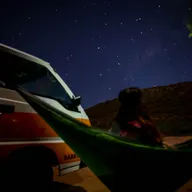
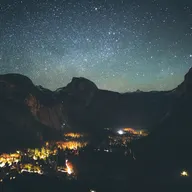
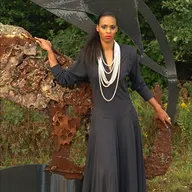
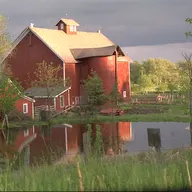
Unsplash Lite sample 50
Every 500th row of the 25,000-row Unsplash Lite dataset (rows 0 to 24,500), fetched as lossless PNG with the longest edge at 1600 px. Unsplash License (https://unsplash.com/license). Source
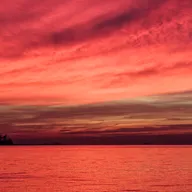


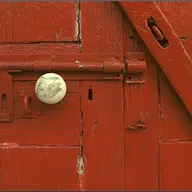
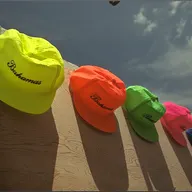
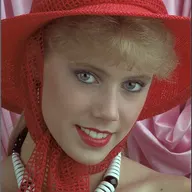
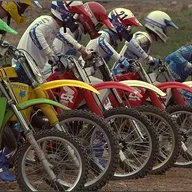
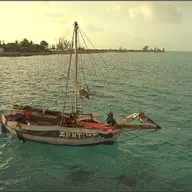
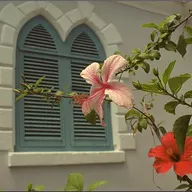
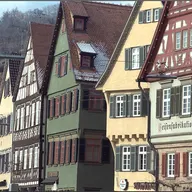
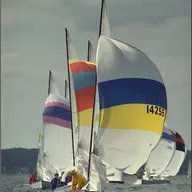
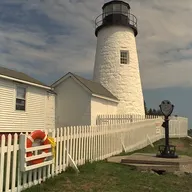
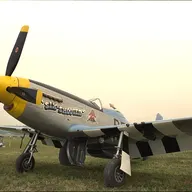
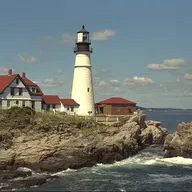
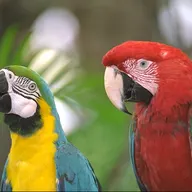
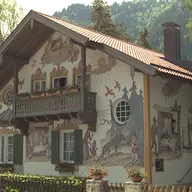
Kodak test suite 24
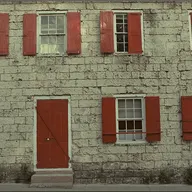
Released by Eastman Kodak for unrestricted use. Source
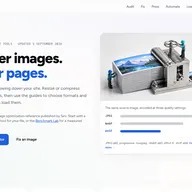
Web page screenshots 12
Published by Sirv for benchmark use.

Method
- Each image is encoded at quality 10, 20, 30, 40, 50, 60, 65, 70, 75, 80, 85, 90, 95, 98 by every encoder.
- Every output is decoded to PNG and scored against the lossless source with SSIMULACRA2 (ssimulacra2_rs 0.5.2). 70 is high quality, 90 is visually lossless.
- For each image, the size needed for scores 50, 60, 70, 80, 90 is interpolated between the two settings that bracket the score. Images that never reach a score are left out of that median and counted.
- Savings are the median of per-image savings against mozjpeg, so one huge file cannot move the result.
- Encoders run at their default effort except where listed. Encode speed is not measured.
Encoders and versions
- JPEG
- sharp mozjpeg, 4:2:0
- WebP
- cwebp -m 6
- AVIF
- avifenc (libaom) -s 6
- JPEG XL
- cjxl -e 7
- Runtime
- sharp 0.35.5 (mozjpeg 0826579) · libwebp 1.6.0 · avifenc 1.4.2 (dav1d [dec]:1.5.4, aom [enc/dec]:v3.15.0, rav1e [enc]:0.8.1 (UNKNOWN), svt [enc]:v4.2.0) · cjxl v0.12.0 · Press 0.9.1
Run the same benchmark
Install Node.js 22, cwebp/dwebp, avifenc/avifdec, cjxl/djxl, ImageMagick, ssimulacra2_rs and Press. Then download the script and the manifest and run it. A full run takes about half an hour on 16 cores.
curl -O https://www.imageguide.dev/benchmarks/v2/run.mjs
curl -O https://www.imageguide.dev/benchmarks/v2/corpus.json
cargo install --no-default-features ssimulacra2_rs
npm install sharp
node run.mjs --work ./work --out results.json
Use --limit 2 to check your setup on two images per group first.