JPEG Image Format: Complete Guide
.jpgUniversal format for photographs. Files use the .jpg extension (image/jpeg) and run in 100% of browsers.
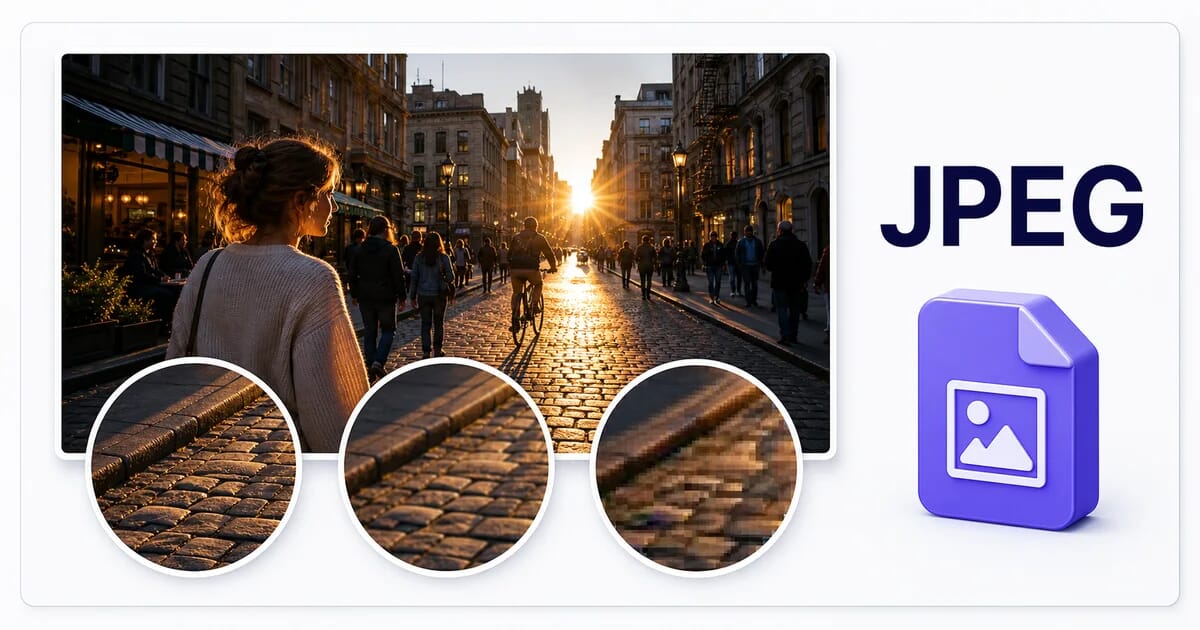
JPEG compresses lossily: smaller files, at the cost of detail that cannot be recovered. It has no transparency support. It stores still images only. On size: the baseline most photo formats are measured against.
📖
→
Master Guide
JPEG Optimization Mastery: The Definitive Guide
Advantages
- ✓ Universal support
- ✓ Good compression for photos
- ✓ Fast encoding
Limitations
- ✗ No transparency
- ✗ Lossy only
- ✗ Artifacts at low quality
When to Use JPEG
- • Photographs
- • Complex images
- • Legacy support required
Technical Details
| File Extension | .jpg |
| MIME Type | image/jpeg |
| Compression | Lossy only |
| Transparency | No |
| Animation | No |
| Typical size | the baseline most photo formats are measured against |
| Browser Support | 100% |
JPEG FAQ
Is JPEG better than JPEG?
For universal compatibility, yes — nothing matches JPEG's 100% browser and software support. For compression efficiency, newer formats like WebP and AVIF beat it.
Does JPEG support transparent backgrounds?
No. JPEG has no alpha channel — transparent areas become a solid color, usually white. Use PNG or WebP when transparency matters.
How large is a typical JPEG file?
the baseline most photo formats are measured against. Actual size always depends on image content and quality settings — a detailed photograph and a flat two-color logo in the same format can differ by an order of magnitude.