110 guides 14 free tools updated 5 September 2026
Smaller images.
Faster pages.
Find the images slowing down your site. Resize or compress them with our tools, then use the guides to choose formats and fix how your pages load them.
ImageGuide is a free image optimization reference published by Sirv. Start with a guide for the method, a tool for your file, or the Benchmark Lab for a measured example.
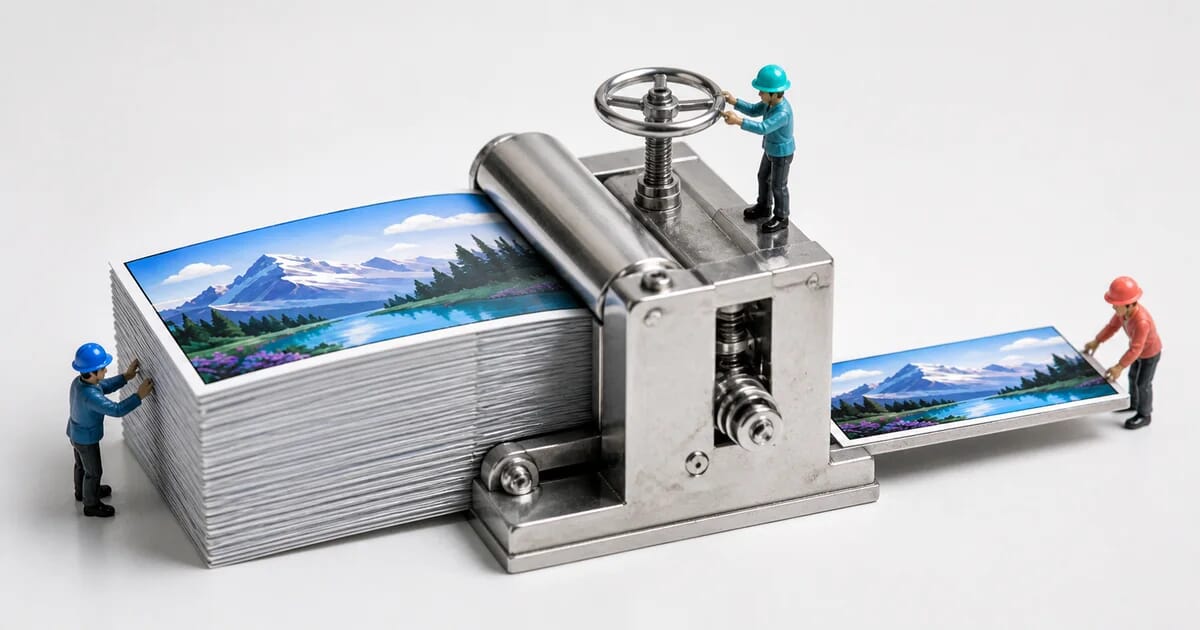
Bytes needed for the same visual quality, median of 74 photos
- JPEG
- baseline
- WebP
- -7%
- AVIF
- -31%
- JPEG XL
- -23%
SSIMULACRA2 score 70 (high quality), reference encoders. See the full benchmark →
Choose a tool
Latest
All guidesBrowse by topic
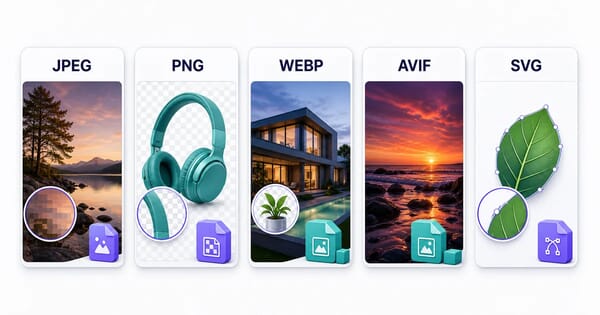
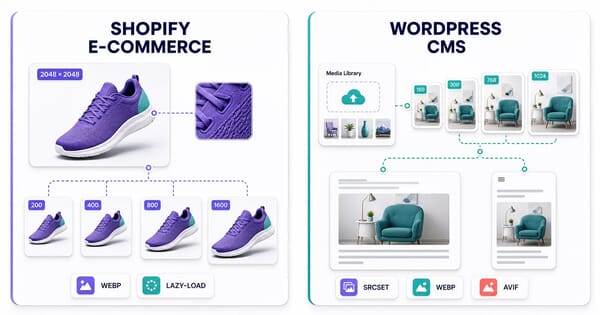
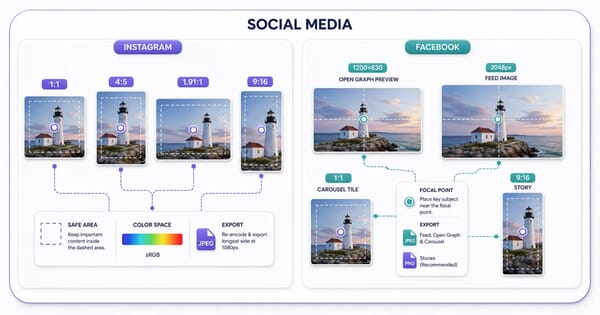

In depth
All 110 guidesUse one shirt photo to compare a square card, a wide hero, a mobile crop and a zoom source. Includes exact crop coordinates, CSS and responsive picture markup.
We compared Sharp 0.34.5 and 0.35.3 on four identical fixtures. See file sizes, encoding times, downloadable detail crops and a script to reproduce the results.
Turn any image into a JPG on Windows, macOS, iPhone, Android, Linux, browser or command line - and find out what your file really is.
Turn a JPG or PNG into a vector with Inkscape, Illustrator, potrace, VTracer or a manual redraw - and see when tracing is the wrong answer.
Convert PNG and JPG to WebP with cwebp, sharp, ImageMagick, libvips or a CDN: which quality matches your JPEG, and when lossless wins.
Get text out of a photo with your phone, Google Drive, Windows, macOS, Tesseract or a cloud OCR API - plus how to raise accuracy on bad scans.