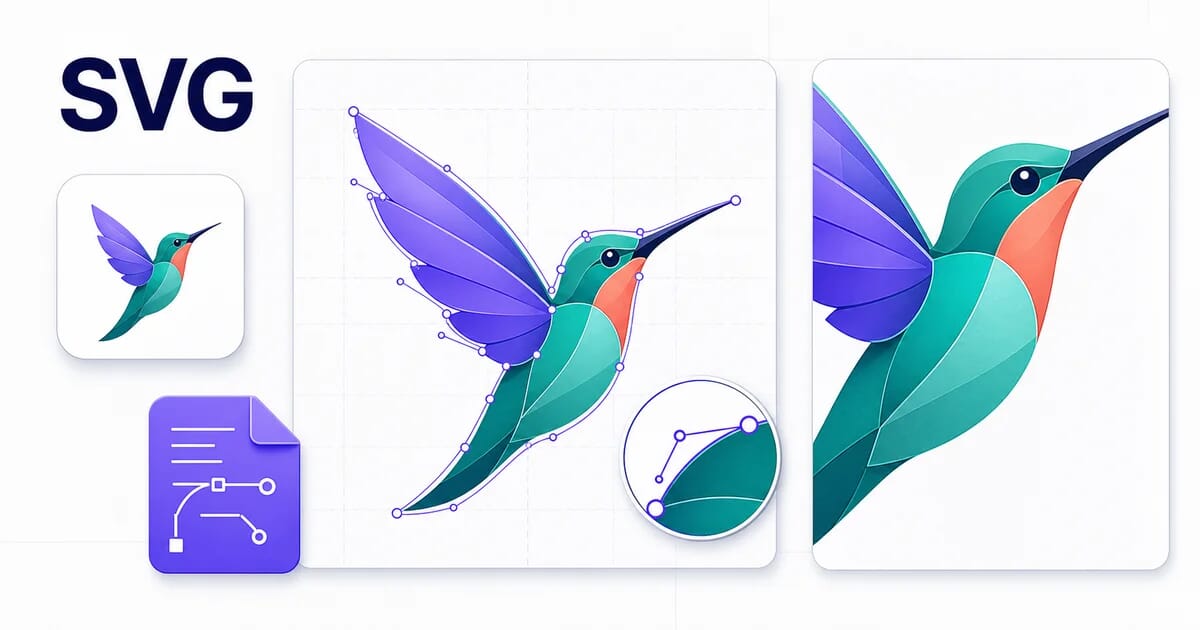
SVG Image Format: Complete Guide
.svgScalable vector graphics for resolution-independent images. Files use the .svg extension (image/svg+xml) and run in 98% of browsers.
SVG describes shapes mathematically instead of storing pixels, so it stays sharp at any size. It supports transparent backgrounds. It can store animations. On size: depends on artwork complexity, not image dimensions.
📖
→
Master Guide
SVG Best Practices for Web Performance
Advantages
- ✓ Infinite scalability
- ✓ Tiny file size for graphics
- ✓ CSS/JS animatable
- ✓ Text-searchable
Limitations
- ✗ Not suitable for photos
- ✗ Complex images = large files
- ✗ Security considerations
When to Use SVG
- • Logos
- • Icons
- • Illustrations
- • Charts and diagrams
Technical Details
| File Extension | .svg |
| MIME Type | image/svg+xml |
| Compression | Vector (describes shapes, not pixels) |
| Transparency | Yes |
| Animation | Yes |
| Typical size | depends on artwork complexity, not image dimensions |
| Browser Support | 98% |
SVG FAQ
Is SVG better than JPEG?
Depends on the job. SVG is scalable vector graphics for resolution-independent images, and depends on artwork complexity, not image dimensions. JPEG still wins when you need guaranteed support everywhere, such as in email clients or legacy software.
Does SVG support transparent backgrounds?
Yes. SVG stores an alpha channel, so logos, icons, and cut-out graphics keep their transparent areas intact.
How large is a typical SVG file?
depends on artwork complexity, not image dimensions. Actual size always depends on image content and quality settings — a detailed photograph and a flat two-color logo in the same format can differ by an order of magnitude.
Convert to SVG
The hosted converter does not generate SVG. Browse the supported conversion matrix instead.