Sharp 0.35 changed AVIF encoding: retest your quality settings
We compared Sharp 0.34.5 and 0.35.3 on four identical fixtures. See file sizes, encoding times, downloadable detail crops and a script to reproduce the results.
Disclosure: ImageGuide is published by Sirv, an image CDN company. This guide mentions Sirv products. Read how we write these guides.
Quick answer
Sharp 0.35 changed AVIF tuning, so the same numeric quality setting can produce different files after an upgrade. Compare the same source fixtures, dimensions, and explicit settings across versions. This report publishes bounded results; re-test your own photos and graphics before changing production quality defaults.
Reference for this answer: Sharp output documentation.
Our photo fixture grew from 29,675 to 33,865 bytes after changing Sharp versions. The text fixture got smaller. Both runs used AVIF quality 50 with the same explicit settings.
Sharp 0.35.0 changed default lossy AVIF tuning to use SSIMULACRA2-based iq metrics and added a tune option. The release notes identify this as a breaking change. If your export pipeline kept the same numeric quality value through the upgrade, compare the output again.
What we compared
We ran Sharp 0.34.5 and 0.35.3 on 5 September 2026. Version 0.35.3 was the version installed in this site’s checkout. This is a comparison across the change, not a test of every 0.35 patch release.
Four files covered different kinds of content:
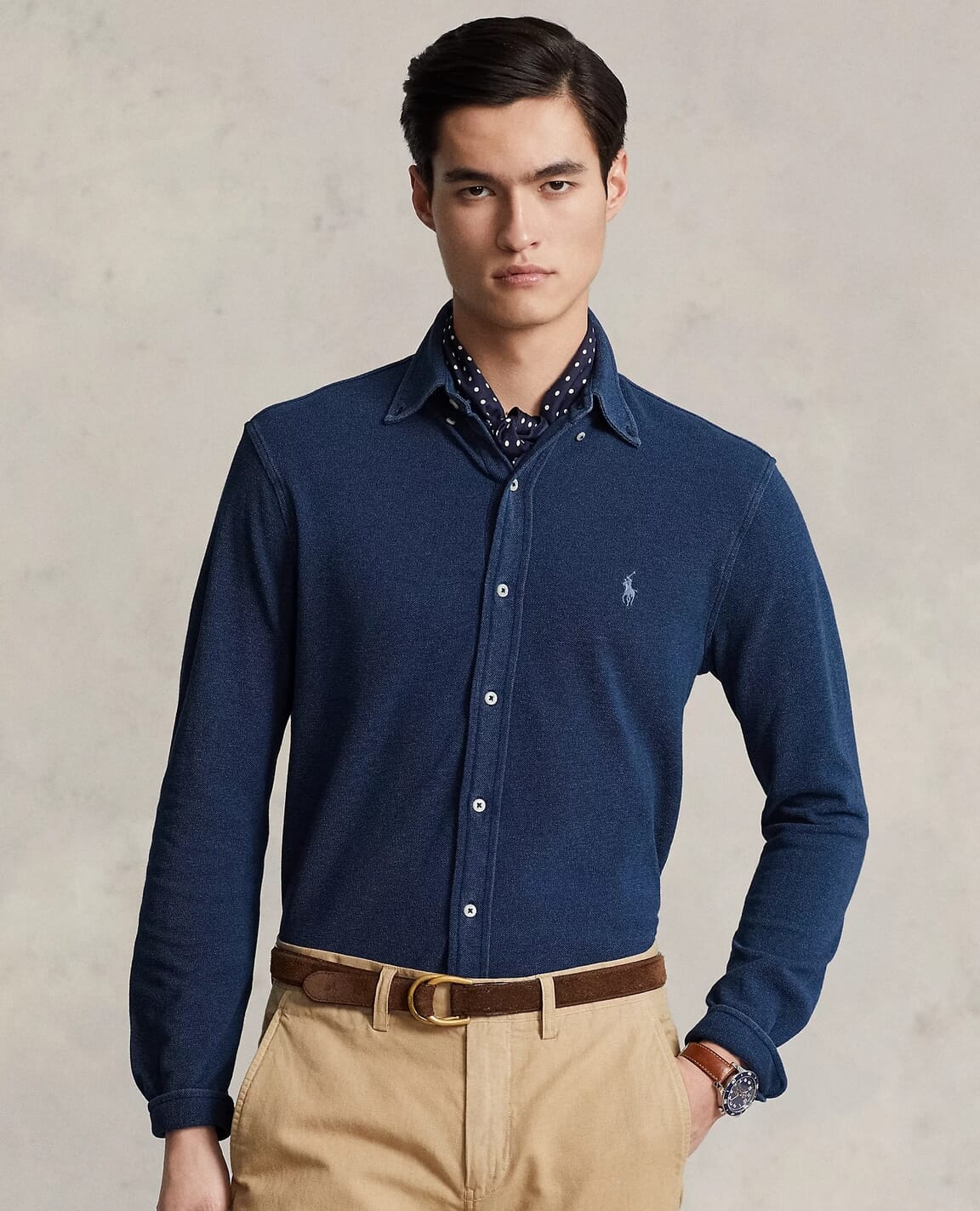
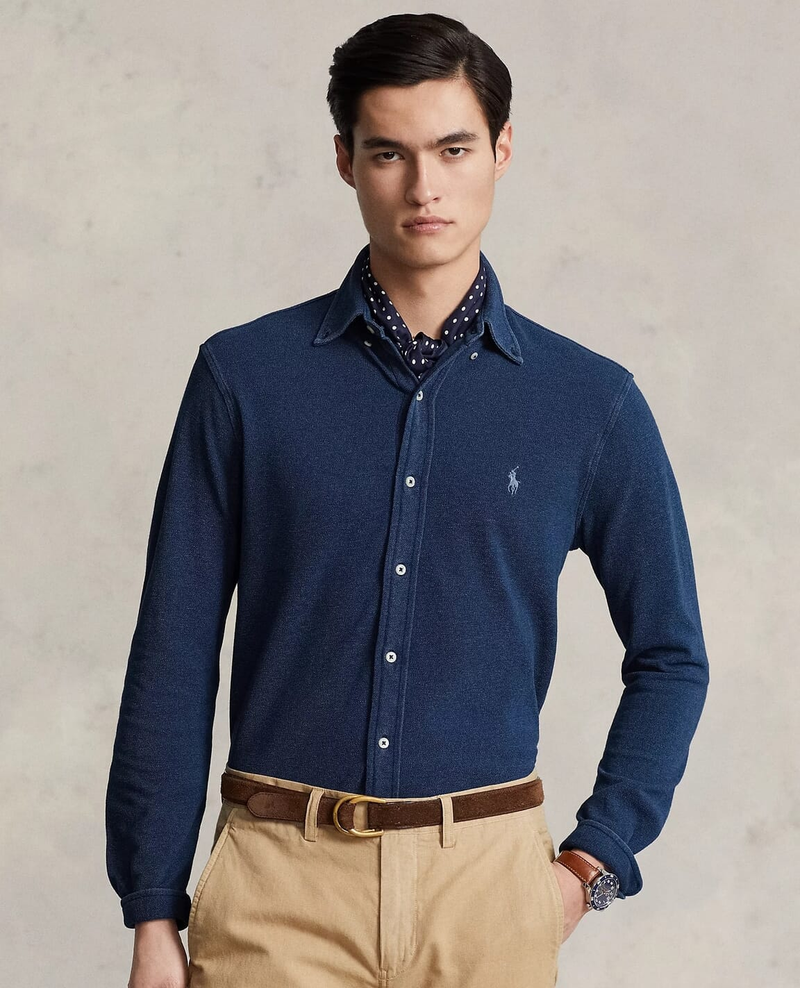
- A navy-shirt product photograph, resized to 800 × 988 pixels and saved as PNG.
- An 800 × 600 text-and-shapes fixture with small text, colored edges and fine rules.
- An 800 × 600 smooth gradient.
- An 800 × 600 transparency fixture with overlapping translucent circles.
The photograph comes from Sirv’s public Media Viewer example. It was already JPEG-compressed before we made the PNG fixture. The PNG freezes the input for both encoders. It does not restore a camera original.
Every encode used these options:
.avif({
  quality: 50,
  effort: 4,
  chromaSubsampling: '4:4:4',
  bitdepth: 8
})
We left tune unset so each version used its default. Each process had Sharp’s cache disabled and concurrency set to one. We discarded one warm-up encode, then recorded five encodes per fixture. The time below is their median, measured around the encode call with the input already in memory.
The measured results
| Fixture | 0.34.5 bytes | 0.35.3 bytes | Size change | 0.34.5 median | 0.35.3 median |
|---|---|---|---|---|---|
| Photo | 29,675 | 33,865 | +14.1% | 1,304 ms | 1,706 ms |
| Text and shapes | 3,752 | 3,394 | -9.5% | 322 ms | 394 ms |
| Gradient | 677 | 933 | +37.8% | 213 ms | 200 ms |
| Transparency | 4,759 | 6,018 | +26.5% | 503 ms | 513 ms |
These are observations from four inputs on one AMD Ryzen 7 5800X Linux machine running Node.js 22.22.0. They are not equal-perceptual-quality results or production latency estimates. We did not compute SSIMULACRA2 scores. A larger file may preserve detail differently, and the tiny gradient file makes a percentage change look much larger than its 256-byte difference.
The underlying libraries changed too:
| Dependency | Older run | Newer run |
|---|---|---|
| Sharp | 0.34.5 | 0.35.3 |
| libvips | 8.17.3 | 8.18.3 |
| libaom | 3.13.1 | 3.14.1 |
| libheif | 1.20.2 | 1.23.1 |
That means this experiment measures an upgrade of the installed encoder stack. It does not isolate how many bytes changed because of the tuning default alone.
Inspect the files, not just the table
These PNGs are 300 × 250 crops decoded from the AVIF outputs. They add no further lossy encoding. Open them at their native size when judging detail.

| Input PNG | Older AVIF | Newer AVIF |
|---|---|---|
| Photo | 0.34.5 | 0.35.3 |
| Text | 0.34.5 | 0.35.3 |
| Gradient | 0.34.5 | 0.35.3 |
| Transparency | 0.34.5 | 0.35.3 |
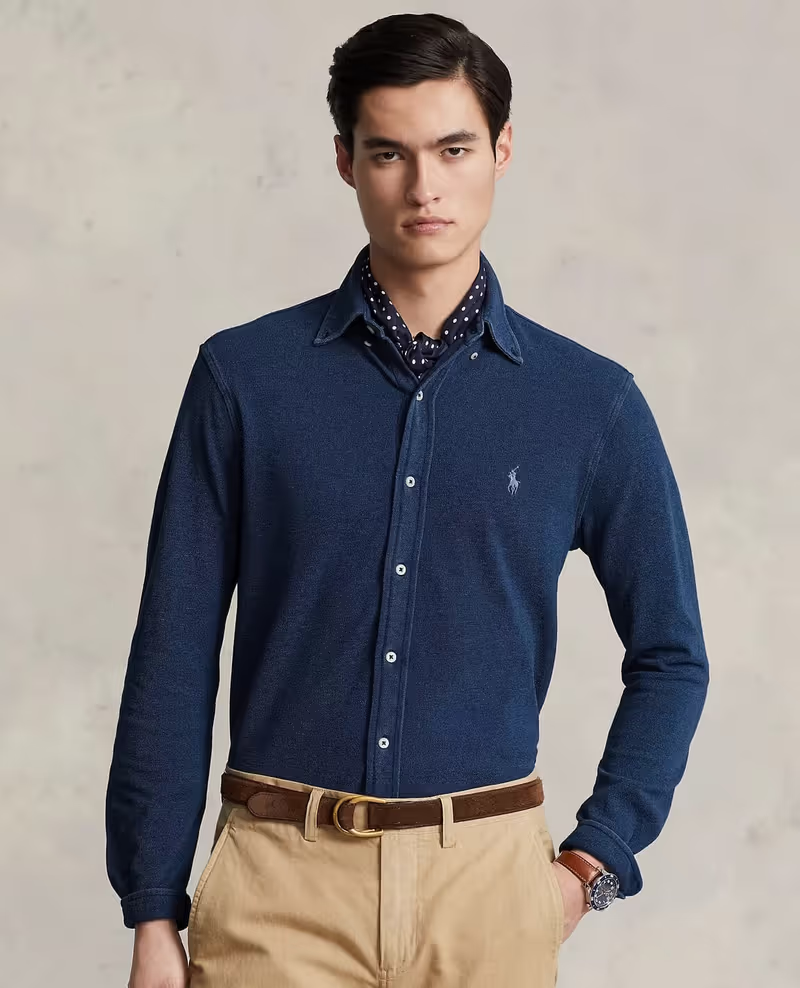
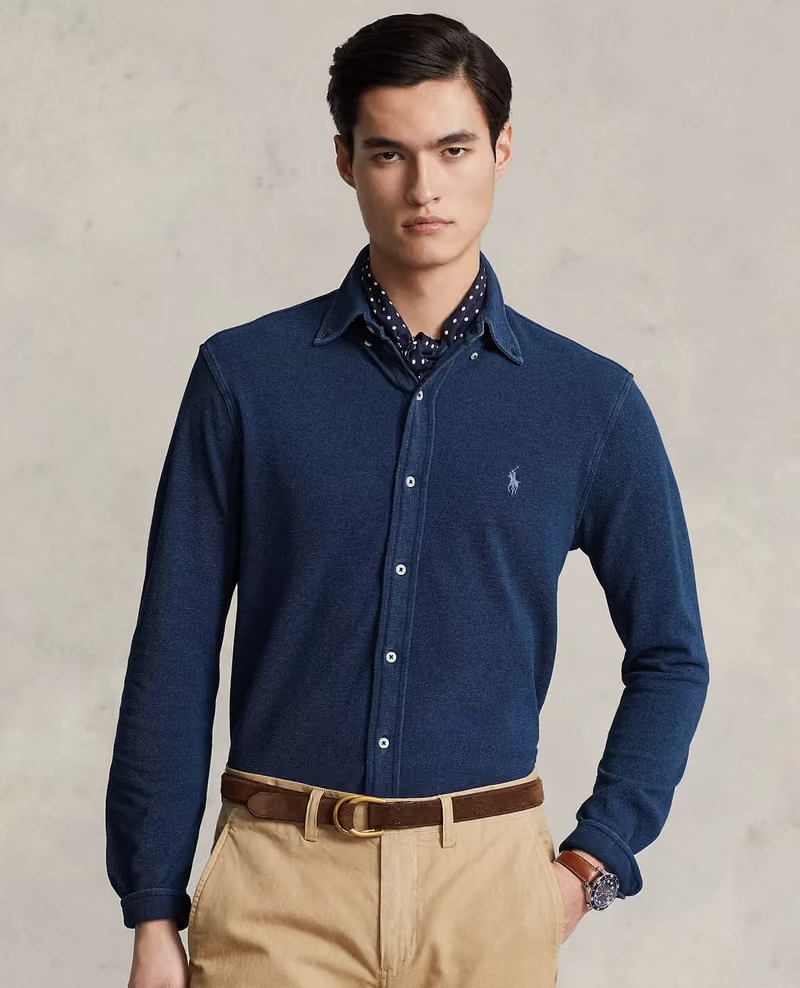
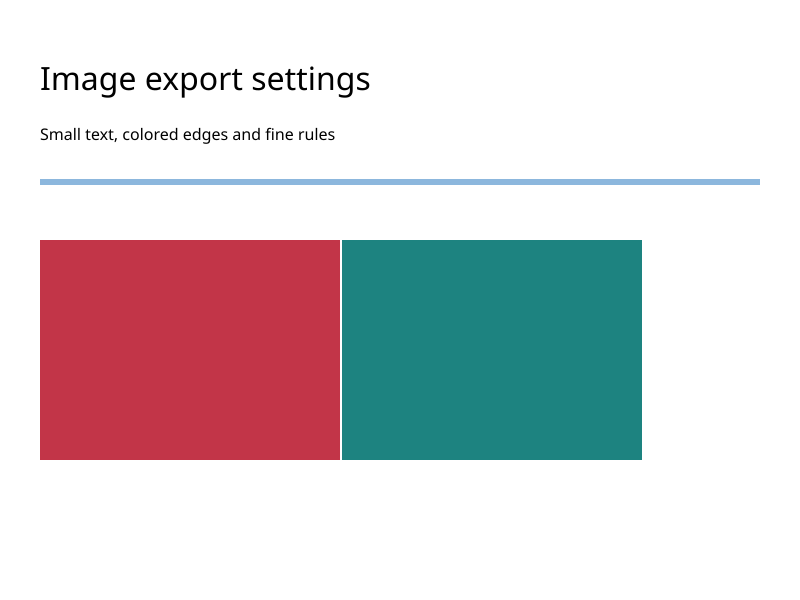
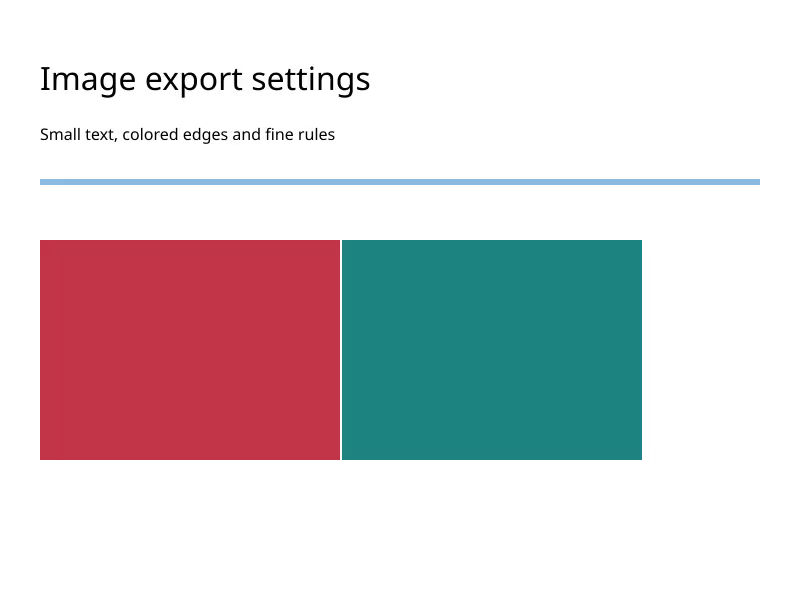
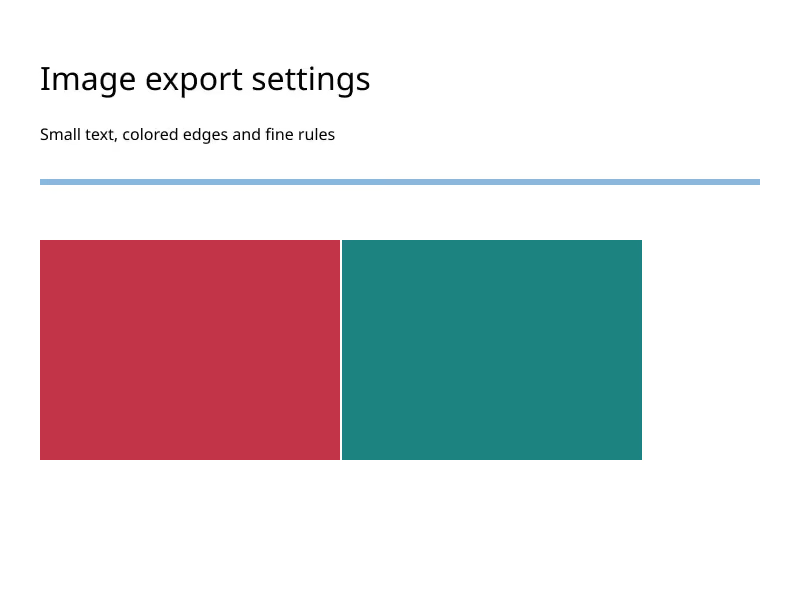



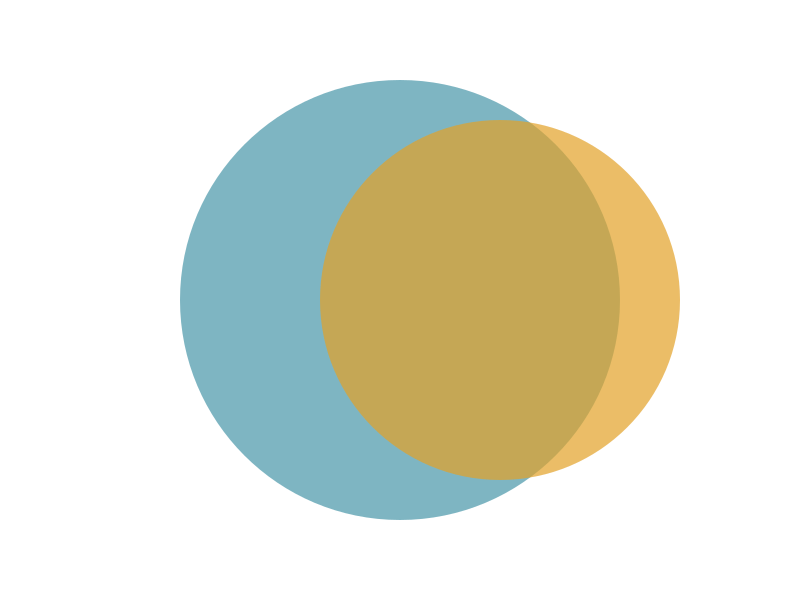
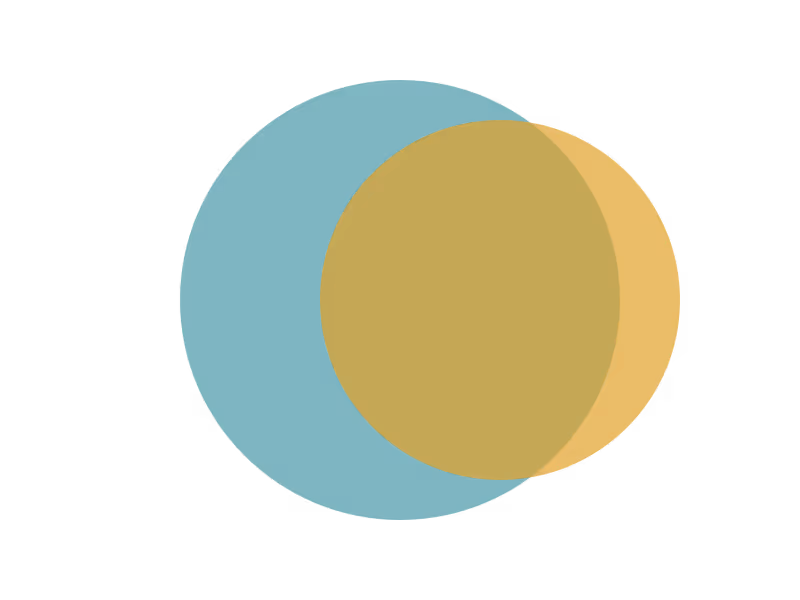
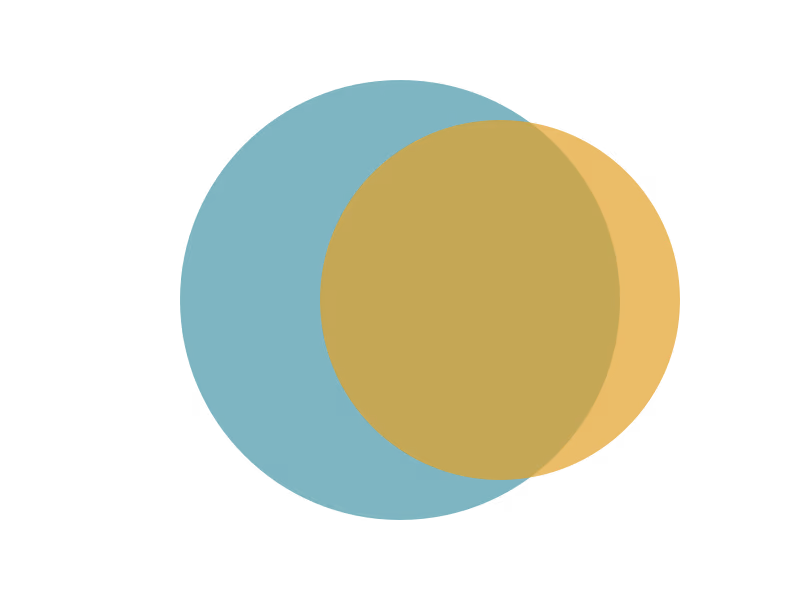
The reports for 0.34.5 and 0.35.3 include input and output hashes, all timing samples and library versions. You can also load two downloaded images into the comparison tool.
Reproduce without changing your application’s dependencies
From the ImageGuide repository, install each version into its own temporary directory. Keeping separate processes also keeps their native libraries separate.
npm install --prefix /tmp/imageguide-sharp-before --no-audit --no-fund sharp@0.34.5
npm install --prefix /tmp/imageguide-sharp-after --no-audit --no-fund sharp@0.35.3

IMAGEGUIDE_SHARP_MODULE=/tmp/imageguide-sharp-before/node_modules/sharp/lib/index.js \
  node public/experiments/2026-09/run.mjs avif

IMAGEGUIDE_SHARP_MODULE=/tmp/imageguide-sharp-after/node_modules/sharp/dist/index.mjs \
  node public/experiments/2026-09/run.mjs avif
The checked-in fixtures are the inputs used for the published results. Rerunning the experiment script replaces the output files and reports. Timings will vary with the host and its load.
Choose a replacement setting
Run a quality sweep on representative files from your own site. Keep output dimensions fixed. Review gradients, skin, text and transparent edges at the size users will see, then compare file sizes and encode times for the acceptable outputs.
Sharp’s AVIF output documentation lists the available tuning controls. Setting tune: 'psnr' is a separate experiment, not a promise to reproduce an old build byte for byte.
Keep the version and settings beside your results, as our Benchmark Lab does. Retest after upgrading the encoder instead of treating “quality 50” as a permanent description of visual quality.