What happens when you save the same JPEG ten times?
A controlled test of fresh exports, repeated saves and a one-pixel edit between saves, with every generation, crop and measurement published.
Disclosure: ImageGuide is published by Sirv, an image CDN company. This guide mentions Sirv products. Read how we write these guides.
Ten exports from the same source produced ten identical JPEG files in our test. Ten saves through the previous JPEG did not. Moving the image one pixel before each new save changed the result much more visibly.
“Saving a JPEG loses quality” is useful advice, but it hides the difference between exporting from a master, copying a file and decoding it for another lossy encode. We tested the last two encoding workflows separately.
The source and settings
We used a navy-shirt photograph from Sirv’s public product-image example. We resized it once to 800 × 988 pixels and saved that decoded image as a PNG. That PNG fixture is the reference for this experiment.
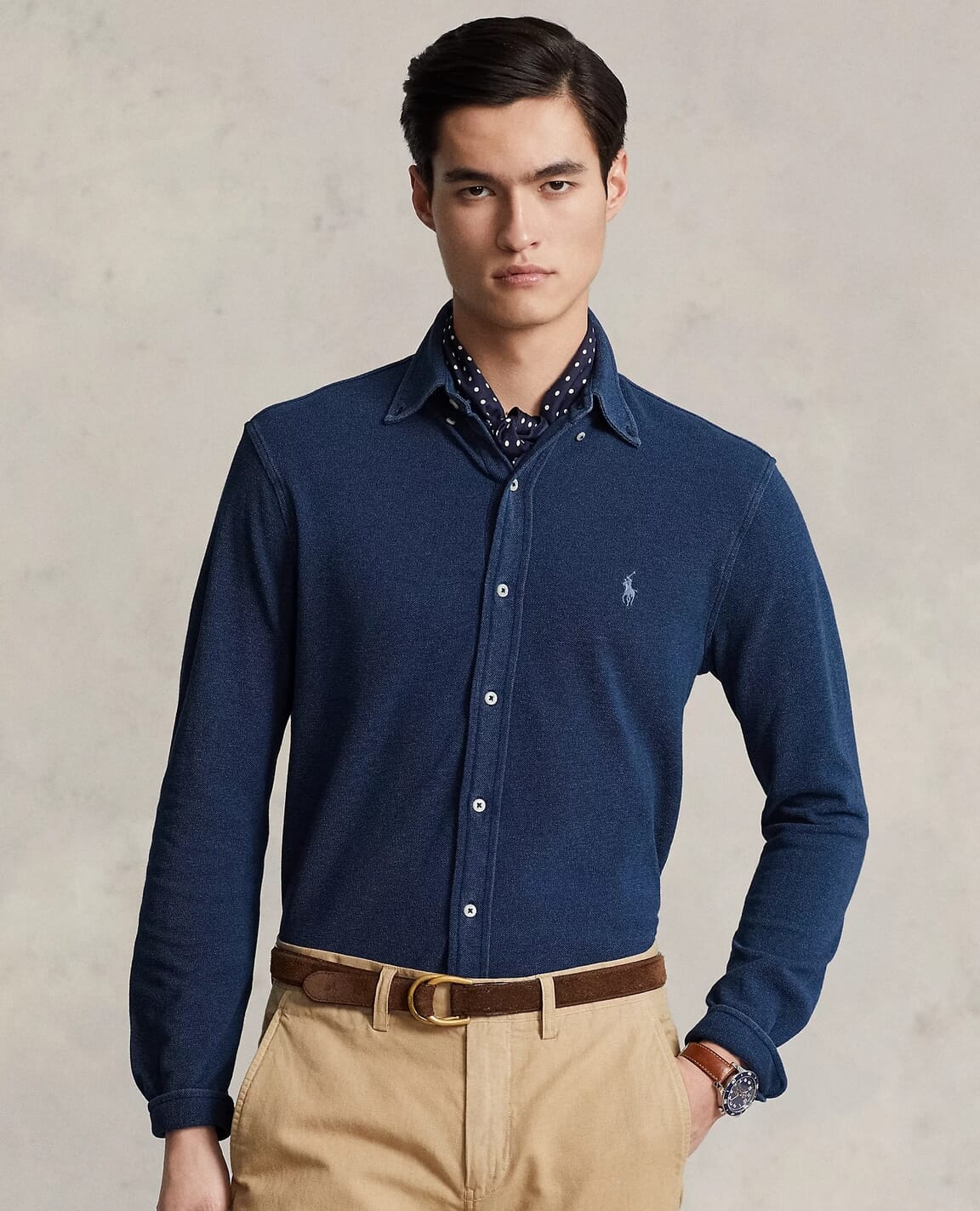
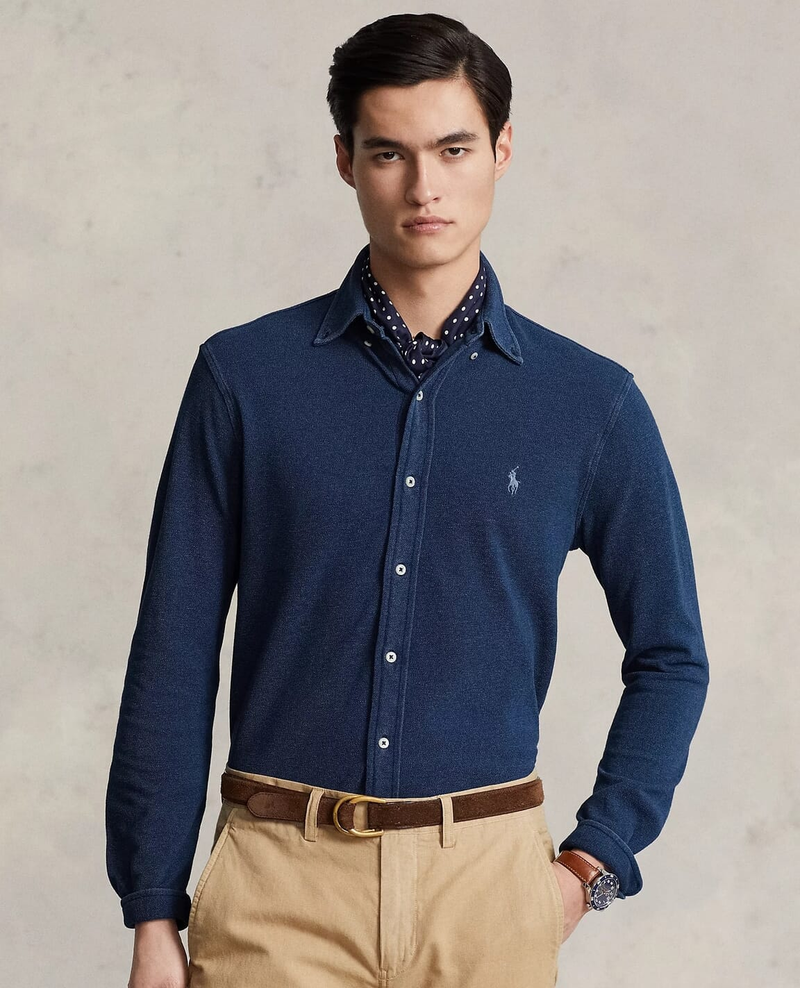
The source photograph was already a JPEG. Converting it to PNG did not restore lost detail. It gave every branch the same fixed starting pixels.
The test ran on 5 September 2026 with Sharp 0.35.3, libvips 8.18.3 and the bundled MozJPEG build 0826579. Every JPEG used:
.jpeg({
  quality: 60,
  progressive: true,
  mozjpeg: true,
  chromaSubsampling: '4:2:0'
})
We chose quality 60 to make changes easier to inspect. It is not a recommended default for every photo. Dimensions stayed fixed throughout all three branches.
Three different meanings of another save
| Branch | Input to each encode | What it tests |
|---|---|---|
| Fresh export | The same PNG source every time | Repeated independent exports |
| Resaved | The JPEG from the previous generation | Decode and re-encode without an edit |
| Edited | Previous JPEG, shifted left by one pixel after generation one | Re-encoding after changing block alignment |
The edit removed the leftmost column and added a white column on the right. That kept dimensions fixed and moved the content relative to JPEG’s block grid. By generation ten, the content had shifted nine pixels. It is an intentionally controlled edit, not a simulation of every image editor.
Copying or renaming a JPEG is outside this experiment. Those file operations do not themselves decode and re-encode the pixels.
The measured results
| Branch | Generation 1 | Generation 5 | Generation 10 |
|---|---|---|---|
| Fresh export | 37,043 bytes | 37,043 bytes | 37,043 bytes |
| Resaved | 37,043 bytes | 36,714 bytes | 36,713 bytes |
| Edited between saves | 37,043 bytes | 33,902 bytes | 32,391 bytes |
All ten fresh exports had the same SHA-256 hash. The unedited re-encodes changed mostly in the first few generations. The generation-five and generation-ten files differed by just one byte in size, but their hashes were different. Similar size is not evidence of identical pixels.
We also measured mean absolute error against the PNG’s decoded RGB values for the two unshifted branches:
| Branch | Generation 1 | Generation 5 | Generation 10 |
|---|---|---|---|
| Fresh export | 3.2373 | 3.2373 | 3.2373 |
| Resaved | 3.2373 | 3.2811 | 3.2814 |
This metric averages absolute channel differences on a 0-to-255 scale. It is not a perceptual quality score. We did not compute it for the edited branch because the spatial shift would confuse alignment error with compression error.
The full JSON report contains every file’s size, hash and eligible error measurement. The experiment does not support a rule that every additional save causes the same amount of damage. It also does not establish that repeated saves are harmless on other images or with other settings.
Inspect the fabric and logo
Each image below is a 220 × 220 PNG crop decoded from its JPEG. The crops use the same coordinates. The last one therefore also contains the deliberate nine-pixel content shift.
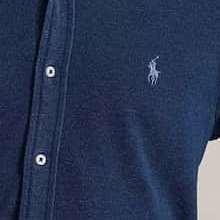
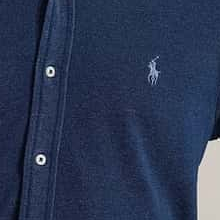
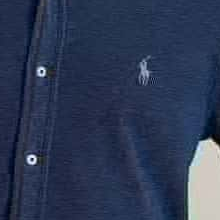
Open the first JPEG, tenth unedited JPEG and tenth edited JPEG at their native size. In this example, the edited branch loses more of the fine fabric texture. Its smaller file is not an optimization success if that texture matters to the product.
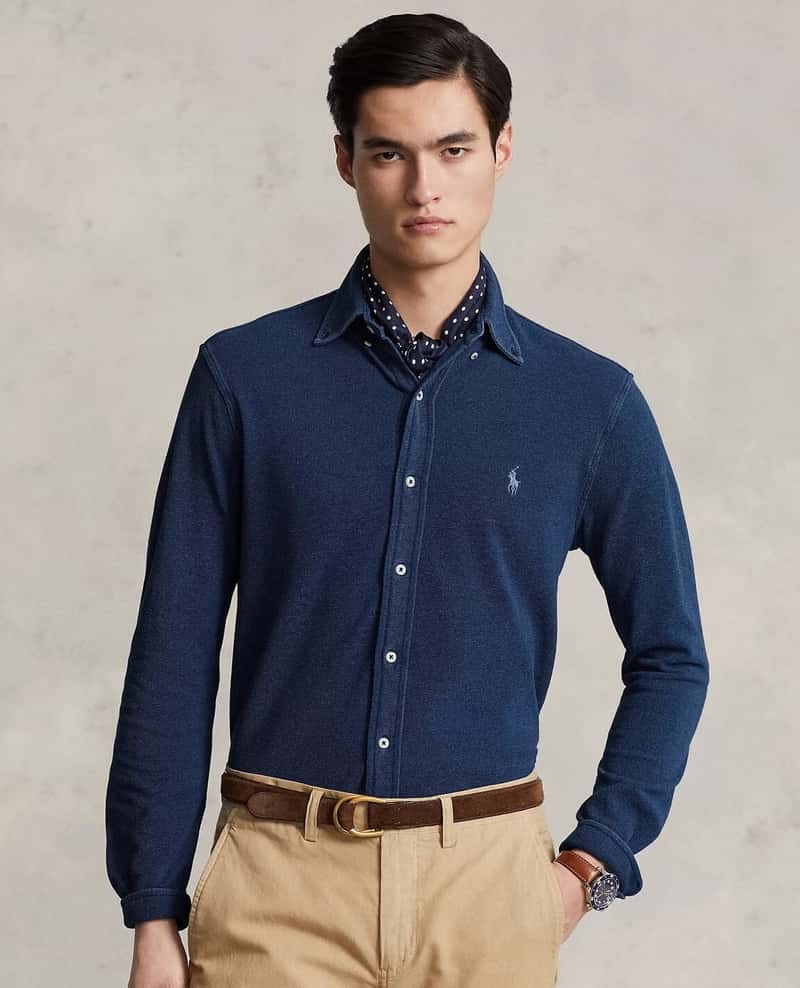
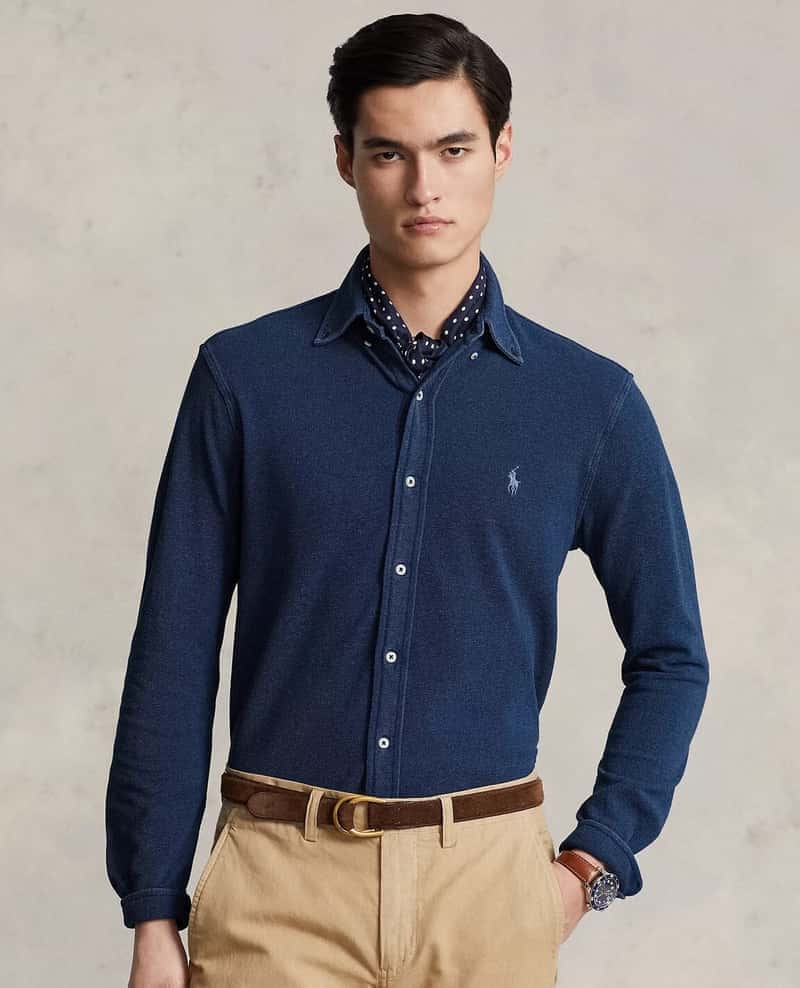
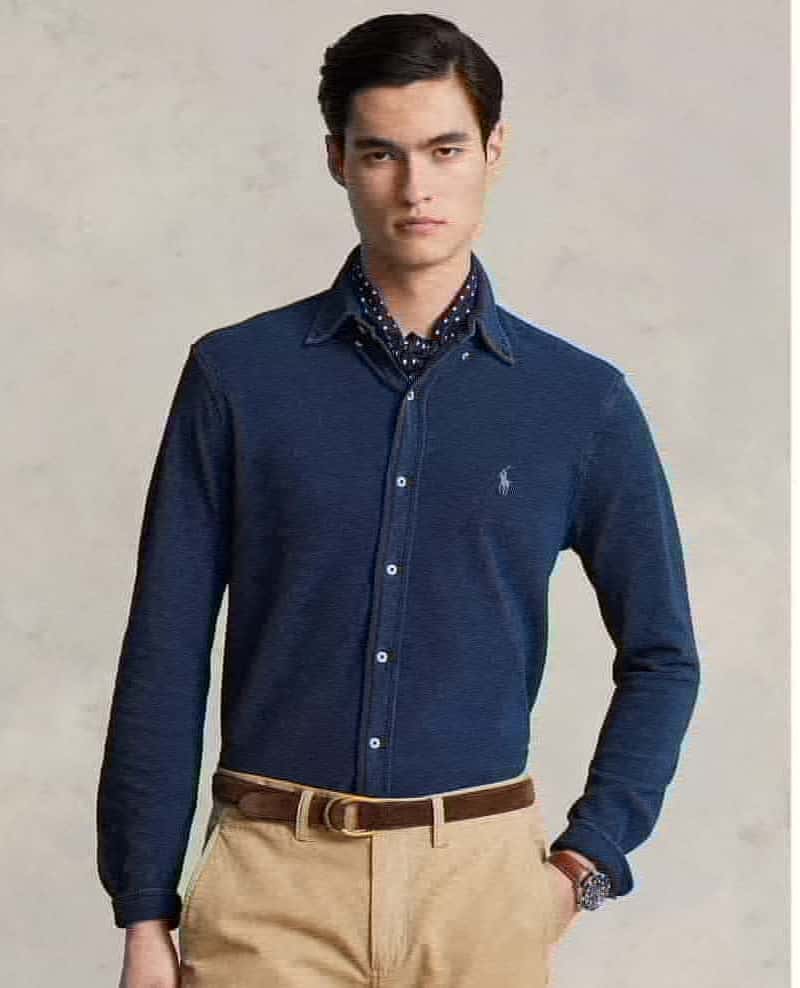
Use the comparison tool for a movable comparison. The labeled images here also work without dragging a control.
Reproduce all thirty encodes
From the ImageGuide checkout with dependencies installed:
node public/experiments/2026-09/run.mjs jpegThe script asserts that all fresh-export hashes match and that decoded buffer lengths stay constant. It writes all thirty JPEGs beside the report. Each row’s file field names its downloadable file under /experiments/2026-09/.
You can repeat the experiment on another source by replacing photo.png in a separate working copy. Keep the source dimensions at least 580 × 630 pixels for the fixed detail-crop coordinates, or adjust those coordinates in the script. Record the new source hash rather than comparing the resulting numbers as if they came from our fixture.
Keep an editable source
When a customer asks for a different crop, export it from the master or editing document. Avoid downloading a previously compressed website thumbnail and treating it as a new original.
If the JPEG is all you have, make the necessary edits together and export once. Increasing the quality setting on that last export cannot recover texture already discarded. For damaged files, the JPEG artifact guide covers repair options and their limits.
Keep the source, the export settings and the final output. That makes the next revision an independent export instead of another generation in a lossy chain.